
8 Best Anti-CAPTCHA API Services for Web Scraping
Here are the top anti-CAPTCHA API services for web scraping, including how to make the ideal choice for your project.



CAPTCHA challenges turn routine requests into verification gates, causing your scraper to return 403 and 429 failures. Instead of the target payload, you receive block pages, so parsing produces empty or partial results.
This article explores the best anti-CAPTCHA API services for web scraping and how to choose between them.
What Is an Anti-CAPTCHA API
An anti-CAPTCHA API is a service that helps you handle CAPTCHA during scraping. These services fall into two categories.
The first category is CAPTCHA solvers such as 2Captcha. Once you send them a CAPTCHA-solving request, they typically send it to human solvers and return the solution as a token. You can then pass this token to the relevant field on the target site to gain access to the required data. However, using human solvers adds latency and reduces efficiency at scale. And you still need to manage cookies, headers, and retries yourself.
The second category is CAPTCHA bypass services. Instead of waiting for a challenge and then solving it, CAPTCHA bypass takes a proactive approach to CAPTCHA evasion. CAPTCHA bypass solutions apply the required configurations up front to reduce the likelihood of a challenge appearing, enabling faster, more scalable scraping.
Skip the blocks. Try Zenrows free and get clean web data without the anti-bot fight.
How to Evaluate Anti-CAPTCHA API Services
Anti-CAPTCHA API services differ in terms of response type, session requirements, and cost. Here are the factors to consider before you decide which one to use.
Coverage And Output Model
When you hit a non-obstructive in-page CAPTCHA, such as one attached to a form field, use a solver service that returns a solution token or text that your scraper can use to access the protected target site.
Since CAPTCHA solvers handle each CAPTCHA type differently, it's important to confirm the exact challenge type and how your target site has implemented it. Common CAPTCHA types include reCAPTCHA, Click CAPTCHA, Cloudflare Turnstile, etc.
Otherwise, if dealing with an interstitial CAPTCHA or a dedicated block page with CAPTCHA puzzle, opt for a service that evades the CAPTCHA completely. These offer CAPTCHA bypass as part of an API request. They handles the CAPTCHA under the hood and returns the page content or extracted data.
Proxy And Session Requirements
Most anti-bot protections bind a challenge to a client's fingerprint. That fingerprint often includes your IP address, session cookies, request headers, navigator properties, and more.
When a CAPTCHA-solving service returns a solution token, the target website may reject it if the solver’s IP address differs from the IP or session that originally requested the CAPTCHA.
If the target enforces an IP match, load the page that triggers the CAPTCHA through one proxy, then make the next target request through that same proxy while keeping the same cookies and User-Agent. If you scrape multi-step flows like login or checkout, it's best to use a CAPTCHA bypass API that supports sticky sessions so the same IP and cookie jar stay consistent across the entire flow.
Scale Constraints
Token-based anti-CAPTCHA services usually make two requests for each page: one to solve the CAPTCHA and get a token, and another to send that token back to the website. Because each page now requires twice as many requests, this can lead to longer queues and more retries, especially when under heavy load. To avoid issues, it’s best to limit how many requests you run at the same time and reduce the number of retries.
Related: How to Retry Failed Python Requests
CAPTCHA bypass APIs are easier to scale because they make only one request and get the final HTML or extracted fields back. You can run concurrent requests up to the provider’s limits and control throughput with exponential backoff. If you’re scraping a large volume of data, using a CAPTCHA bypass tool is recommended because they reduce moving parts, and their output is more predictable.
Cost And Support Signals
For most services, the listed price rarely reflects what you’ll pay in production. And not all CAPTCHA solving requests turns out successful. It's best to choose anti-CAPTCHA API services that charge per successful request, not cost per CAPTCHA solving request.
Check what the service bills when a run fails, including timeouts, blocked responses, and repeated retries. For token-based services, the total cost often rises because you still spend requests on the target while you retry and resubmit.
CAPTCHA bypass services bill per successful request that returns the requested data after bypassing the anti-bot checks on the page. That often comes out cheaper at scale because one paid call covers the full unblock work needed to reach the content.
Now that you know what to look for, let’s explore the best anti-CAPTCHA API services for web scraping. Here’s a quick overview of what we will cover:
Zenrows: Best Anti-CAPTCHA API Service Overall
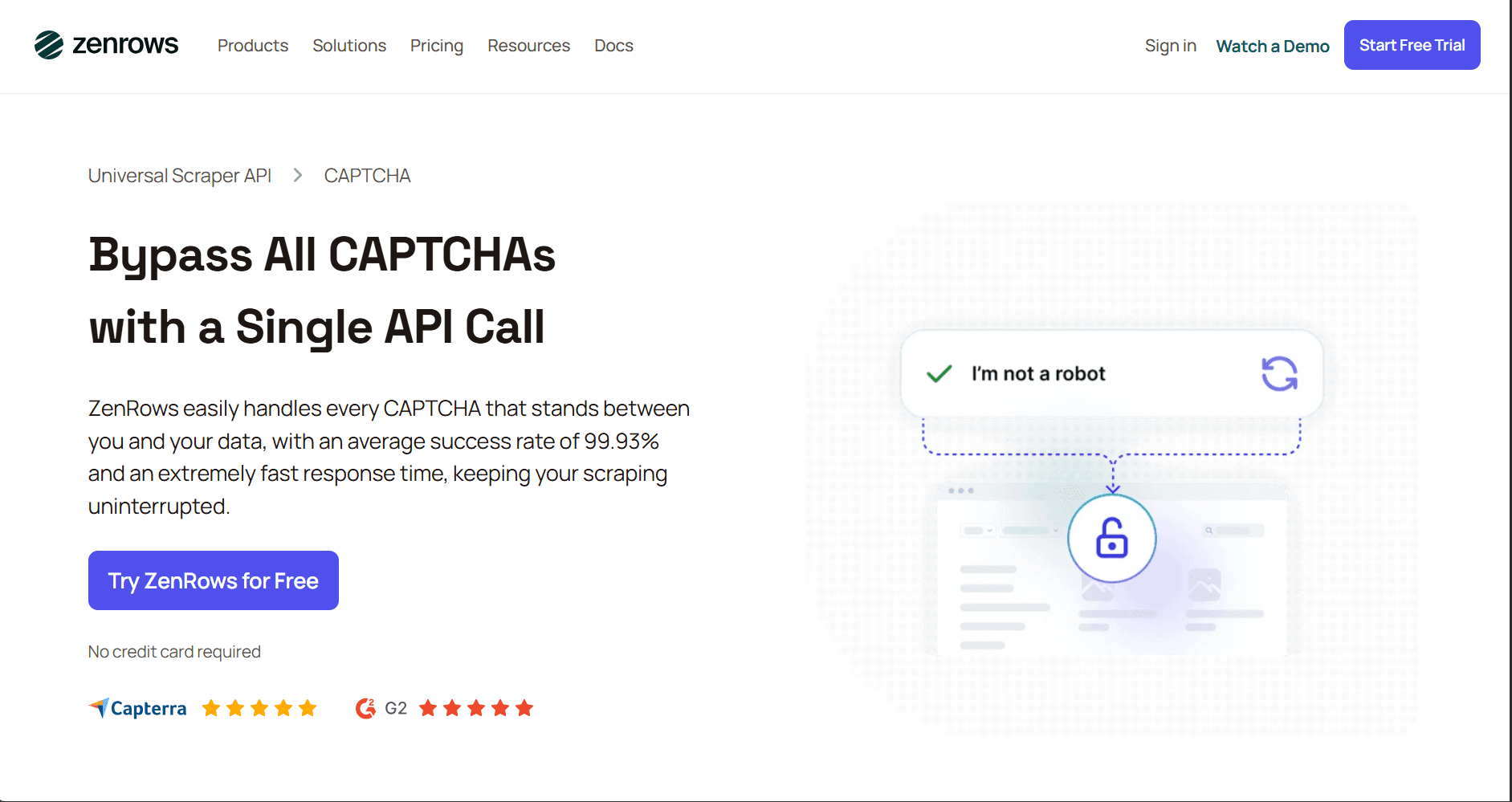
Zenrows is built to bypass CAPTCHA and other anti-bot checks and return the final page content, not a token you still have to inject into a session. It has a Fetch that includes premium proxies as part of the request flow, so you do not have to source and manage proxy pools separately.
It is a strong fit for large-scale CAPTCHA bypass because it keeps the request flow consistent as volume grows, which reduces the amount of per-site CAPTCHA and session handling you have to maintain. If a page needs more than a simple fetch, Fetch supports JavaScript rendering and JavaScript Instructions with waits, which helps on operations that require client-side rendering or interaction. It also offers a free trial so you can fully test the features.
👍 Pros
- It bypasses a wide set of CAPTCHA and challenge systems through the same scraping request flow, including reCAPTCHA variants, Cloudflare Turnstile, DataDome, GeeTest, etc.
- It returns the final page content after bypassing the challenge, which avoids building token capture and injection logic in the scraper.
- Zenrows uses an automated CAPTCHA bypass approach with free retries when the first attempt fails, which helps when challenge behavior is inconsistent.
- It provides a documented fallback path for hard cases through solver integrations, where a request can be routed to a human solver when needed.
- It supports JavaScript rendering as part of the bypass setup, which matters for CAPTCHA and challenge flows that rely on client-side verification and callbacks.
- Zenrows supports a first-party 2Captcha integration via
js_instructionswithsolve_captchafor interactive in-page CAPTCHA, including reCAPTCHA and Cloudflare Turnstile. - It offers a consistent setup pattern across CAPTCHA types, which simplifies debugging and playbooks when teams support multiple targets.
- 24/7 customer support is available.
👎 Cons
- For some interactive in-page CAPTCHA, you may need to integrate a third-party solver with Zenrows. While Zenrows handles token submission under the hood, this adds an extra dependency.
💲 Pricing
- Starts at $69 per month for up to 250,000 results or 10,000 protected results. Free trial available, no card required.
2. 2Captcha
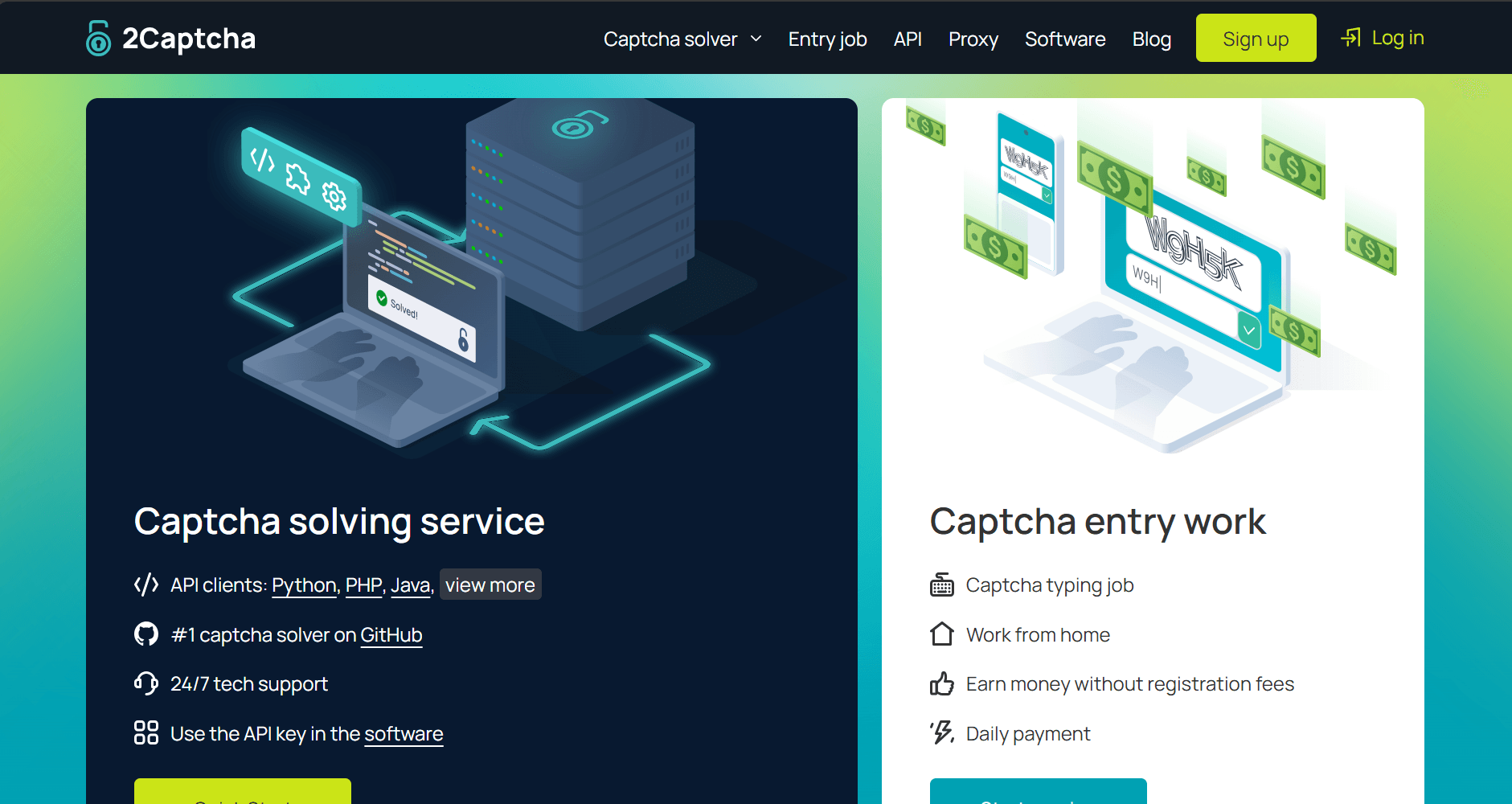
2Captcha is an anti-CAPTCHA API service that returns solved text for image CAPTCHA or solution tokens for widget CAPTCHA. It's ideal when your scraper already controls the target session, and you hit an in-page CAPTCHA like that on a form. Since it relies on human solvers, the solving step is usually slower than automated alternatives, as your workflow has to wait for the result before moving on.
👍 Pros
- 2Captcha supports a wide range of common CAPTCHAs, including both image and widget challenges.
- The API is simple, and you can find plenty of community wrappers and examples to speed up integration.
- Human solving can improve accuracy on challenges that automated solvers fail more often.
👎 Cons
- The solve time depends on humans, so your pipeline pauses while you wait for a result.
- You only get tokens or solved text. To get the data, so you still need to insert the solution in the appropriate place and handle session and retries yourself.
- Submitting the token can still fail if the target binds validation to the session, IP, or browser state.
- Some CAPTCHA types are priced far above the baseline. For instance, Arkose Labs FunCaptcha can reach $50 per 1,000 solves, which can distort costs when targets change.
- Some challenge pricing is shown as ranges, which can make budgeting harder.
💲 Pricing
- Its pricing ranges from $0.5 to $50 per 1,000 solves, depending on the CAPTCHA type.
3. Anti-Captcha
Anti-Captcha uses human workers, so solves are usually slower than fully automated services, but accuracy is often higher on difficult challenges. You send the challenge parameters, poll for the result, then apply the returned text or token inside your own browser or HTTP session to continue the scrape.
👍 Pros
- Anti-Captcha supports a wide range of CAPTCHA types, including common widget challenges and image CAPTCHA.
- Human workers can perform better on image-based and edge-case challenges that break automated tools more often.
- It can handle custom challenges through AntiGate tasks, where a worker completes a guided flow and returns session cookies so your scraper can continue.
- Browser extensions are available if you need a quick way to test solves outside your code.
👎 Cons
- You still have to run and maintain the rest of the scraping stack, since the output is a token or text, not the final page data.
- Solve speed depends on worker availability, so latency can spike during peak demand.
- High concurrency still requires designing around queue variability rather than fixed response times.
- Some interactive browser-style tasks can add time-based charges on top of the per-task price, which makes spending harder to predict under slow solves.
- Costs can climb in real scraping runs because you can pay for solves that still fail downstream due to other anti-bot checks.
💲 Pricing
- Anti-Captcha pricing ranges from $0.5 to $5 per 1,000 solves, depending on the CAPTCHA type.
4. CapSolver
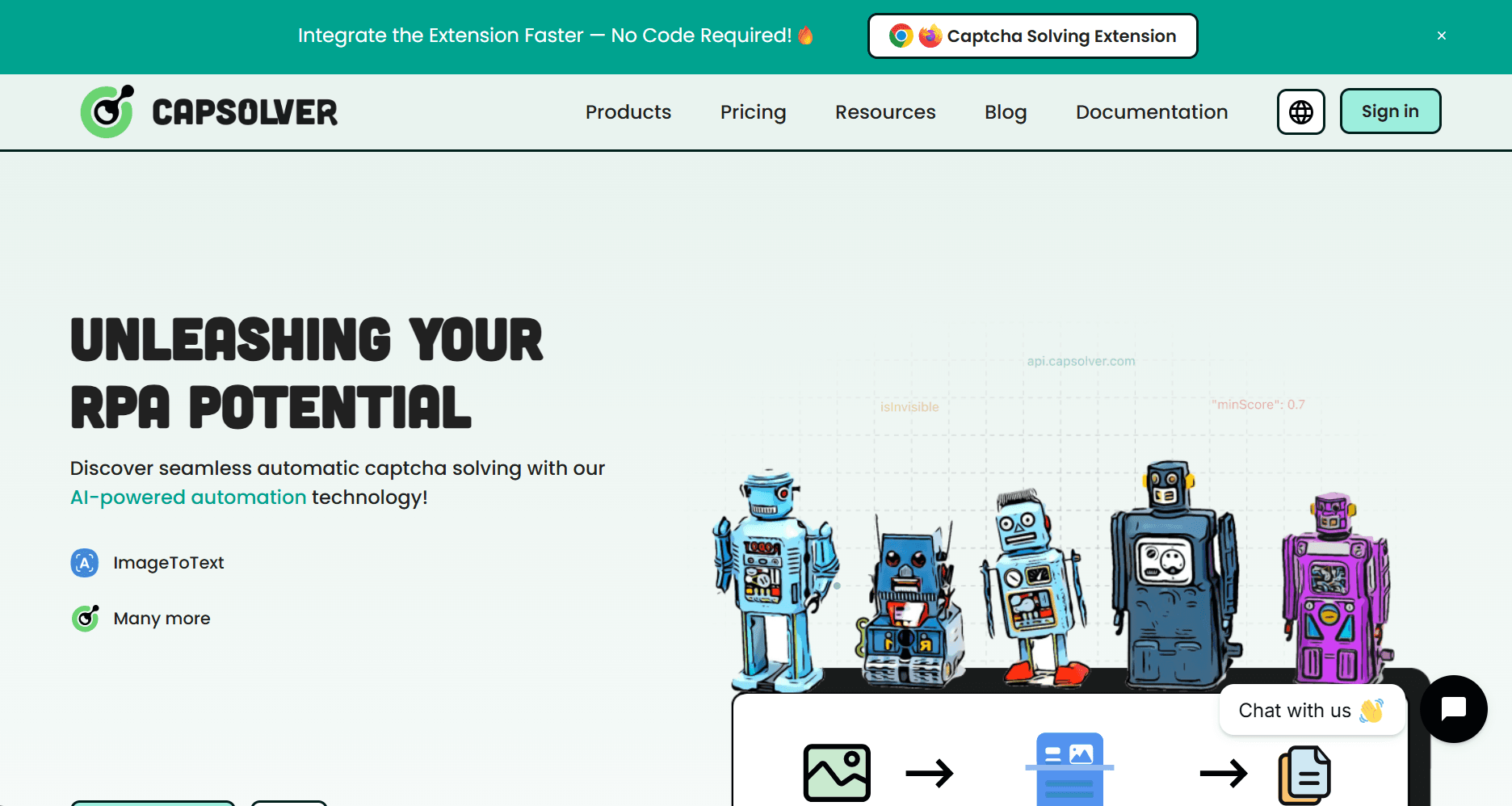
CapSolver is an automated anti-CAPTCHA API service with an official browser extension for Chrome and Firefox. The extension can auto-handle CAPTCHAs inside a real browser, and it can also help you identify task parameters for challenges like reCAPTCHA by exposing what you need to send to the API.
When you integrate it through the API, you send the challenge parameters through endpoints like createTask, poll getTaskResult, then submit the returned token or text in your own browser or HTTP session to continue the run.
👍 Pros
- CapSolver supports many common challenge types, including reCAPTCHA v2 and v3, Cloudflare Turnstile, GeeTest, AWS WAF tasks, and DataDome slider-style challenges.
- The API follows a standard task flow, so you can add it to an existing scraper without redesigning how your crawler works.
- Automated solving reduces waiting time compared to human-based solvers, which helps when you run higher concurrency.
👎 Cons
- Some challenge types require tight session matching, such as keeping the same User-Agent and using your own proxies, which adds work outside the API call.
- The browser extension helps with testing, but adds deployment and profile management overhead at scale.
- reCAPTCHA v3 is score-based, so a returned token can still underperform on strict targets if your session signals are weak.
- Some higher-friction challenge types cost more than basic tasks, which can increase spend when your targets shift to harder checks.
💲 Pricing
- CapSolver pricing ranges from $0.40 to $3.00 per 1,000 tasks, depending on the task type.
5. CapMonster Cloud
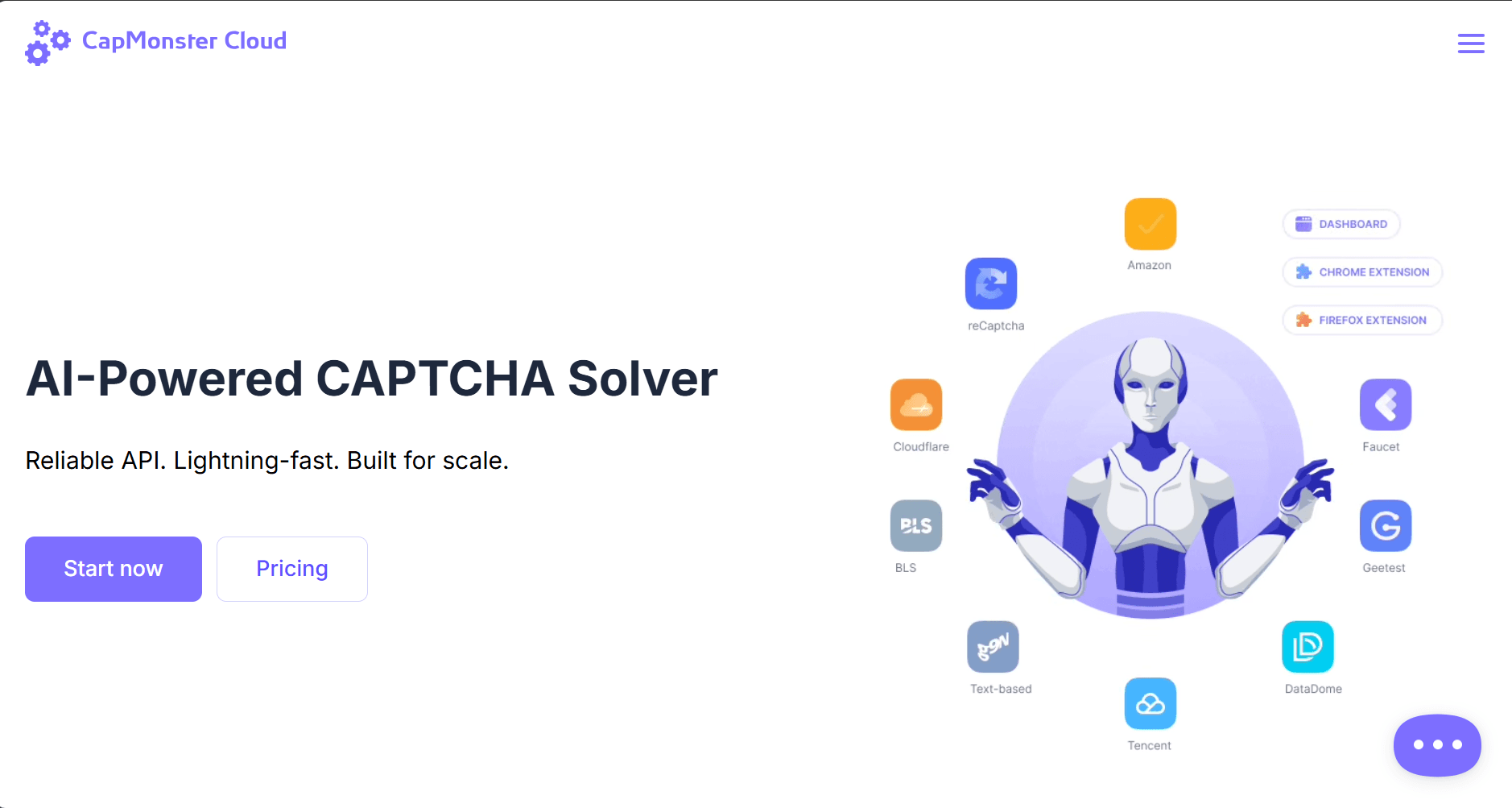
CapMonster Cloud is an anti-CAPTCHA API service with a Chrome and Firefox extension. It uses AI to solve common challenge types, including reCAPTCHA variants, Cloudflare Turnstile, GeeTest, and AWS WAF. The extension lets you validate solvability in a real browser before you invest in deeper automation work.
👍 Pros
- CapMonster Cloud supports a broad set of mainstream CAPTCHA types, so you can cover common targets without switching anti-CAPTCHA API service providers.
- Automated solving avoids human queue latency, which helps when you need faster turnarounds per solve.
- It includes built-in proxies for many task types, which can reduce separate proxy spend for the solve step.
👎 Cons
- Built-in proxies do not always work on stricter targets, so you may have to switch to your own proxy setup to get an accepted token.
- The API enforces polling limits per task, and exceeding them can trigger temporary account locks, so you have to implement polling carefully.
- Some domains are explicitly blocked, so task creation can fail with domain restriction errors.
- Its AI-based CAPTCHA-solving can be less accurate than human-based solving.
💲 Pricing
- It costs $0.04 to $2.20 per 1,000 solves, depending on the CAPTCHA type.
6. Death By Captcha
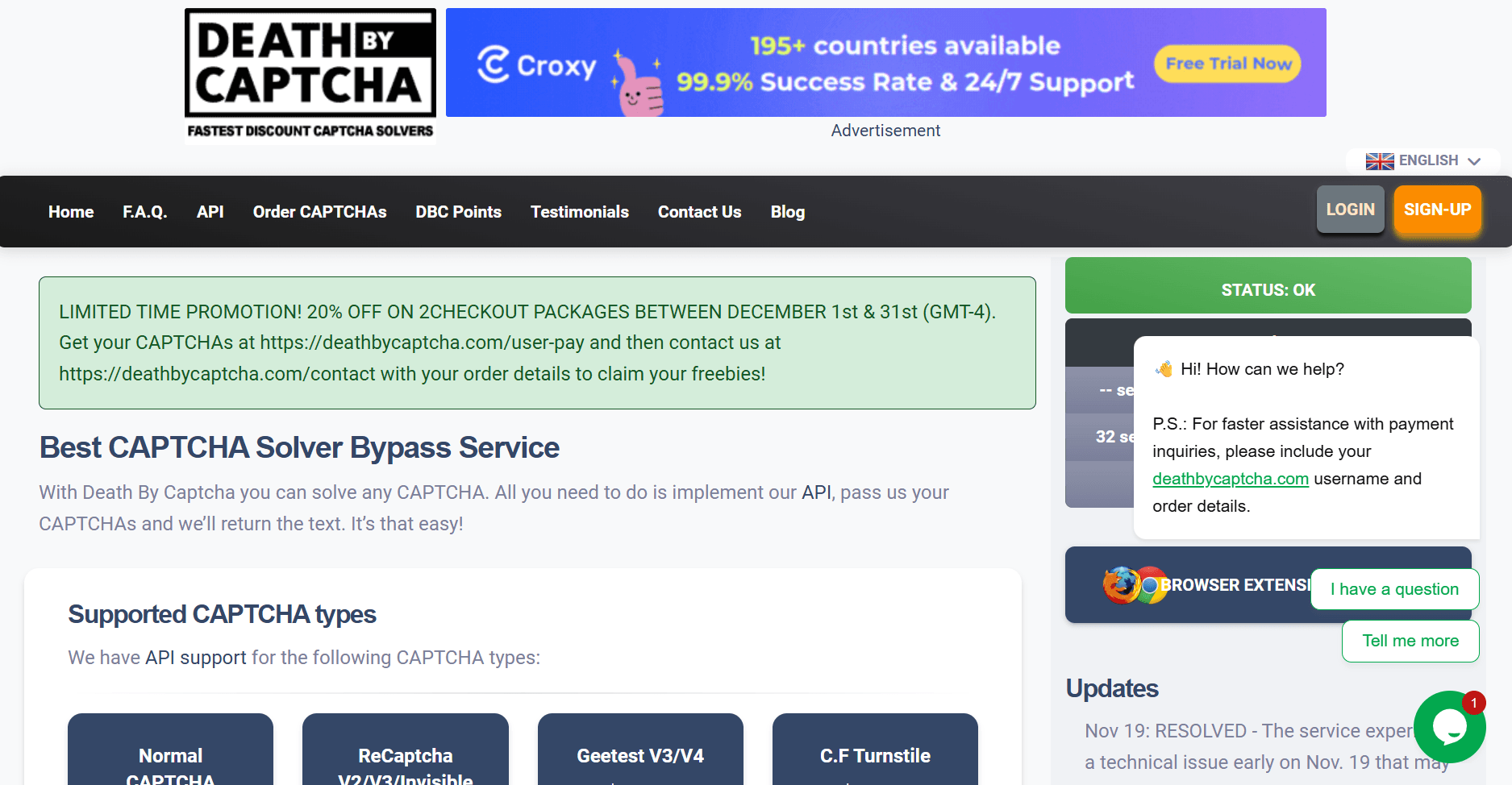
Death By Captcha is an anti-CAPTCHA API service that decodes image CAPTCHA and returns tokens for widget CAPTCHA. It has a hybrid approach that combines Optical Character Recognition (OCR) with human decoders, which helps with mixed or messy challenge formats. It offers both HTTP and socket-based APIs.
👍 Pros
- Death By Captcha has a low fixed price for standard decoded CAPTCHA, which can keep basic image solves cheaper than most token-based challenges.
- You can contact Death By Captcha support to request free test credits before committing to the budget.
- The API docs include client examples for multiple languages, including Node.js, which reduces setup time if you want to integrate quickly.
👎 Cons
- The socket-based API adds connection management complexity compared to simple HTTP usage.
- The Turnstile API is limited to HTTP proxies, which can constrain some proxy setups.
- Live support is limited to weekday hours, which can slow down troubleshooting during long runs.
- Solver costs stack on top of proxies, browsers, and retries, which makes it expensive for web scraping at scale compared to a bypass approach.
💲 Pricing
- It costs from $0.99 to $2.89 per 1,000 solves, depending on the CAPTCHA type.
7. NopeCHA
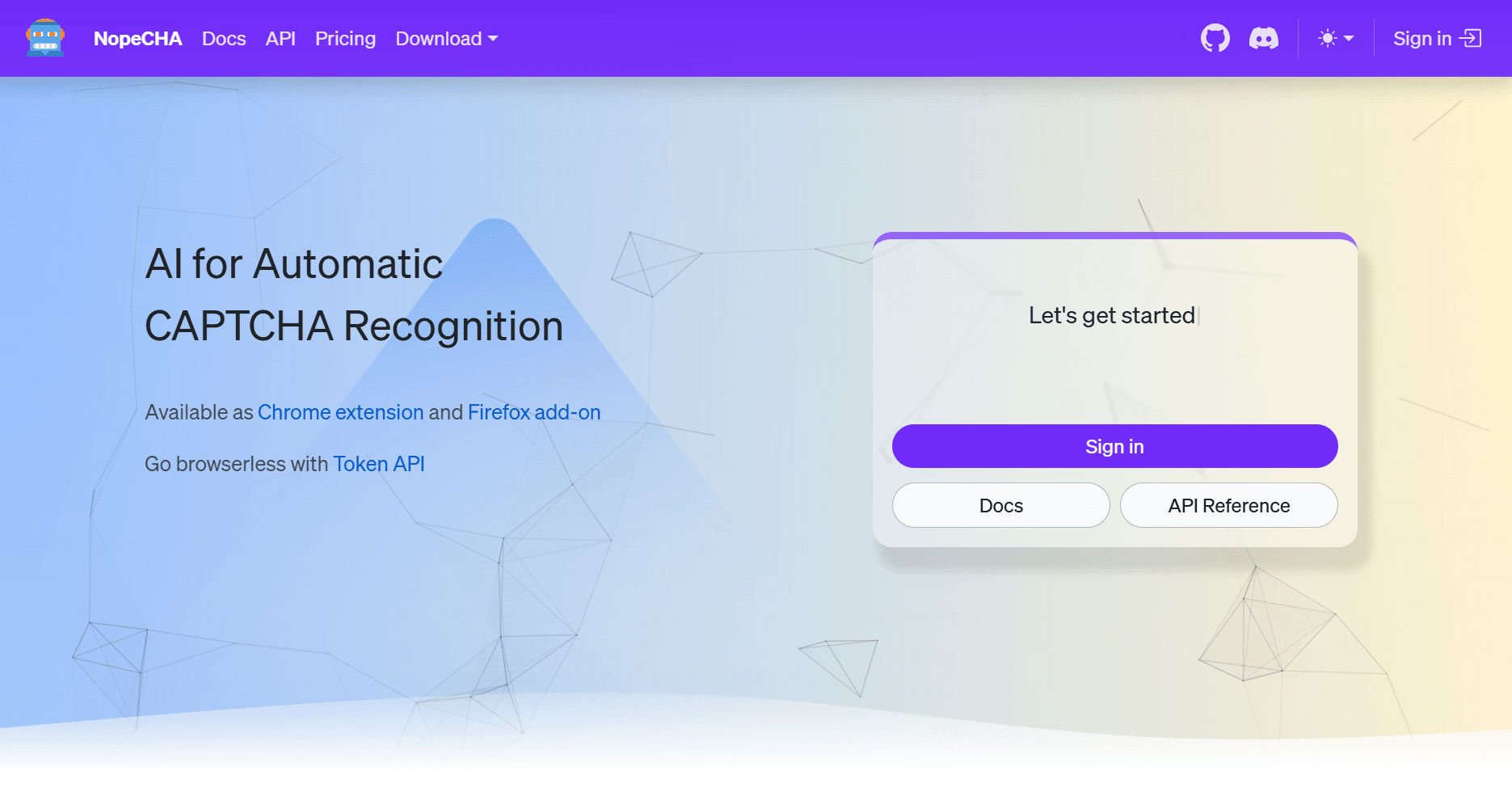
NopeCHA is an automated anti-CAPTCHA API service that you can use through a browser extension or an API. It supports text CAPTCHAs through its Recognition endpoint and token generation for widget CAPTCHAs through its Token endpoint. If you need to manage usage during long runs, the API includes an endpoint to check the remaining daily credits and the time until reset.
👍 Pros
- The browser extension can solve CAPTCHA in an automated browser without you writing custom solve logic for each site.
- It has a free tier, which helps you validate whether it works on your targets before you pay.
👎 Cons
- If you deploy the extension using the "expert" approach, you are responsible for manual updates instead of automatic updates.
- The free plan blocks non-residential IP addresses, so you can’t rely on it for testing from typical cloud and datacenter environments.
- Solve limits reset daily, so long runs can stall mid-job if you hit the daily cap before the reset window.
- Plan limits are enforced at the connection level, so higher parallelism requires higher tiers even if your per-day volume is not high.
💲 Pricing
- It costs $4.99 to $99.99 per month, depending on the plan, with daily limits.
8. ImageTyperz
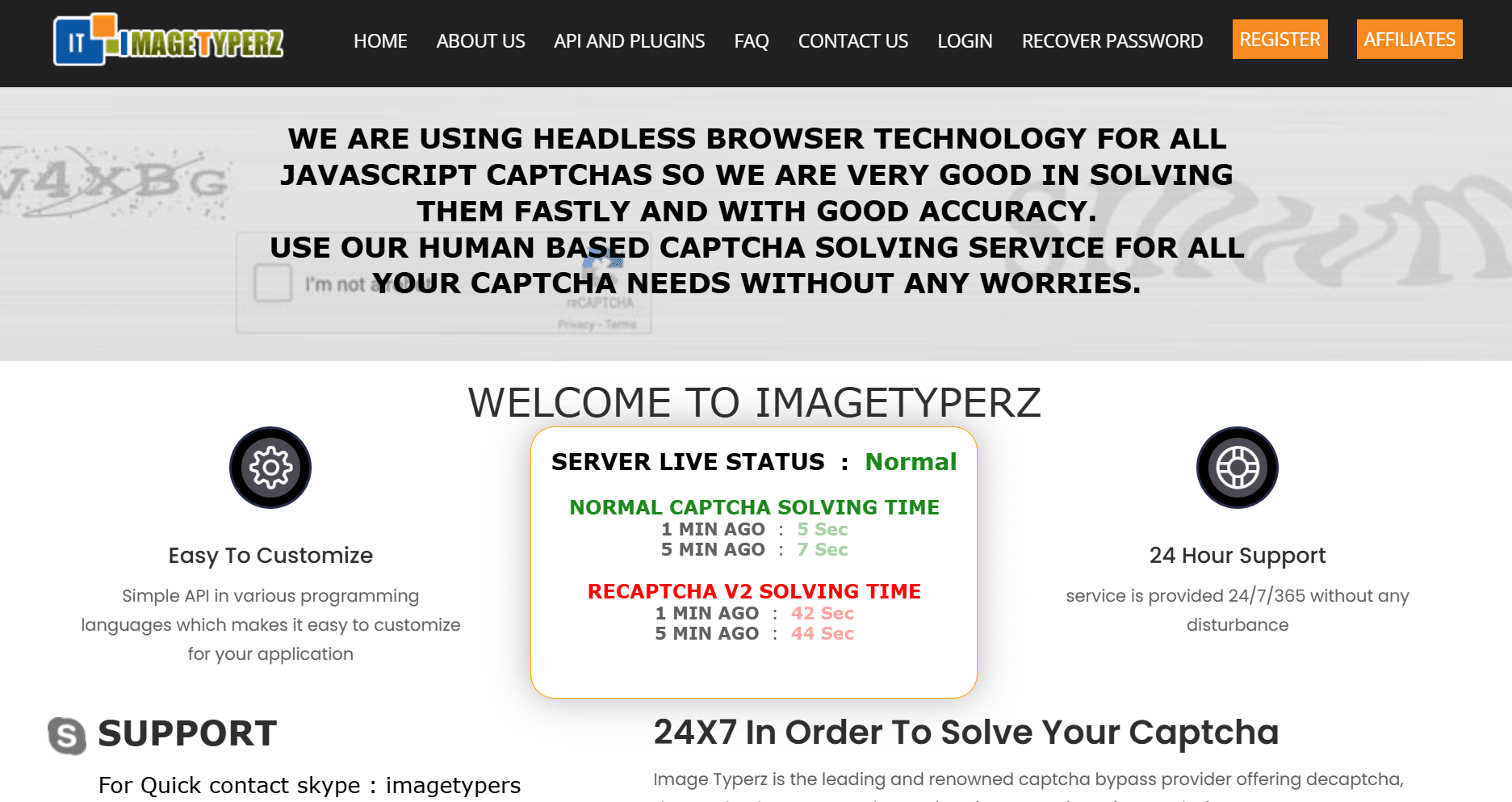
ImageTyperz is an anti-CAPTCHA API service with a mix of API endpoints and ready-made plugins. It publishes fixed per 1,000 rates for many CAPTCHA types, and it also advertises peak and off-peak pricing for standard image CAPTCHA. It supports a bad CAPTCHA claim flow, which is meant to credit back incorrect solves when you report them with the image ID.
👍 Pros
- It offers peak and off-peak pricing for standard image CAPTCHA, which can reduce costs if your runs happen during their cheaper window.
- It provides a bad CAPTCHA claim API, so you can report incorrect solves and avoid paying for them.
👎 Cons
- Standard CAPTCHA pricing changes by time window, so the same workload can cost more during peak hours.
- The bad CAPTCHA claim flow depends on tracking solve IDs, which adds extra handling in your pipeline.
- Like other solvers, it returns a token or text, and large-scale web scraping can become expensive once you add proxies, browsers, etc.
💲 Pricing
- It costs $0.65 to $3 per 1,000 solves, depending on the CAPTCHA type.
Conclusion
Token-returning anti-CAPTCHA API services help when your scraper already controls a stable browser or HTTP session, and you only need solved text or a token to pass a single checkpoint. In large-scale scraping, that approach often gets expensive because you still pay for proxies, browser runtime, retries, and the engineering work required to keep sessions consistent across targets.
For high-volume scraping, a bypass-style scraping API is usually the better fit. Zenrows follows that model because it handles CAPTCHA alongside other anti-bot checks and returns the page HTML or extracted data in a single request.
Try Zenrows for free now or speak with sales!
FAQ
What Are the Best Anti-CAPTCHA Options for Web Scraping?
For CAPTCHA solvers, strong options include 2Captcha, Anti-Captcha, CapSolver, CapMonster Cloud, Death By Captcha, NopeCHA, and ImageTyperz. If you want a bypass-style API that handles CAPTCHA alongside other anti-bot checks and returns usable page content or extracted data, a dedicated web scraping solution such as Zenrows is the best fit.
Are CAPTCHA Solvers Enough on Their Own?
No. They only return a token or solved text. You still need proxies, cookies, headers, and session continuity to submit the result and fetch the data without getting blocked again. For large-scale scraping, a CAPTCHA bypass API service is usually a better fit because it handles the full unblock path and returns the requested data in one call.
CAPTCHA Solvers vs Bypass-Style Scraping APIs: Which Is Better?
Solvers can work for smaller scraping needs, but costs add up quickly once you factor in proxy maintenance, header management, and retry logic. Web scraping APIs that bypass CAPTCHA completely are usually the better choice for large scale scraping. They are designed to handle CAPTCHA alongside other anti-bot checks and return usable data in one request.