
7 Best E-Commerce Scrapers
Choose the best of the top e-commerce scrapers in the market for your project. These top picks narrow down your search and help you decide without guessing.



Are you conducting market research, building a product recommender, or keeping tabs on market trends and need the best e-commerce scraper to get the data you want?
This guide compares 7 of the best e-commerce scrapers, highlighting what each excels at, how they handle anti-bot protections and scaling, and what you’ll pay for them.
What Is an E-Commerce Scraper?
An e-commerce scraper is a tool you use to pull data from online stores automatically instead of copying it by hand. You point it at product or category URLs, and it reads the page behind the scenes, then sends you the information in a format you can work with, such as CSV or JSON.
With a standard scraper, you can collect things like product names, prices, descriptions, images, ratings, reviews, stock levels, SKUs, brand and seller details, and category or attribute tags. On marketplace sites, you can also include offer counts, fulfillment type, and delivery information so you see how different sellers present the same item.
From there, you decide how to use the data. You might feed it into a data warehouse, pricing engine, or analytics dashboard, but the scraper’s main job is always the same. It gives you a reliable way to extract the raw e-commerce data you need so that other tools can handle the decisions.
Skip the blocks. Try Zenrows free and get clean web data without the anti-bot fight.
Types of E-Commerce Scrapers
Most e-commerce scrapers fall into three categories. The one you pick decides whether you run scrapers in your own code, through a visual interface, or inside your browser. It also affects how easily you can scale them.
Scraping APIs
Scraping APIs provide data extraction solutions out of the box with an API call. You send a target URL, and you receive HTML or structured e-commerce data you can plug straight into your code. They usually handle proxy rotation, JavaScript, and bot checks for you. Because everything runs over API endpoints and scales automatically, scraping APIs are a good fit when you need structured output and have to deal with complex restrictions like CAPTCHAs, WAFs, or geo-blocks at scale.
Low-code/No-Code Tools
Low-code and no-code tools give you a visual interface instead of letting you build the entire scraping code yourself. With no-code tools, you use drag-and-drop or point-and-click to choose which elements to capture. You then schedule runs or send the results to a spreadsheet or database.
As for low-code tools, they follow the same pattern but let you add some custom logic when you need more control. Both are a good fit if you prefer a less technical setup and still want basic data processing features, such as simple cleaning or fine-tuning, built in. They work well for recurring jobs at small to medium scale, as long as you’re okay with updating flows when page layouts change.
Browser Extensions
Browser extensions scrape directly inside your browser. You install an extension, open a product or search page, and turn what you see into a table or export with a few clicks. Setup is quick, and you don’t have to manage servers, which makes them handy for ad hoc scraping or one-off competitor checks. The tradeoff is that they depend on your browser session and don’t handle large or highly protected sites well.
To see which type of scraper fits you best, let’s compare the best e-commerce scrapers along with their pros, cons, and pricing.
However, if you’d like a quick snapshot, the table below compares each tool by its ideal use case, type, and starting price.
| Tool | Best For | Type | Starting Price* |
|---|---|---|---|
| Zenrows | Scraping protected, JS-heavy e-commerce sites at scale | Scraping API | $69/month + free trial |
| Apify | Actor-based custom scraping and automation workflows | Scraping API | $39/month + limited free plan |
| Octoparse | Visual scraping for non-technical users | No-code tool | $69/month + limited free trial |
| ScraperAPI | E-commerce price monitoring and product aggregation | Scraping API | $49/month + 7-day trial |
| Decodo | Budget-friendly e-commerce scraping APIs and proxies | Scraping API | From ≈$1.25/1,000 req + free limited trial |
| Browse.ai | Browser-based e-commerce data scraping and monitoring | No-code tool | From $19/month + free limited plan |
| Thunderbit | Quick, in-browser e-commerce data extraction powered by AI parsing | Browser extension | From $9/month + free limited plan |
1. Zenrows: The Best Overall E-Commerce Scraper
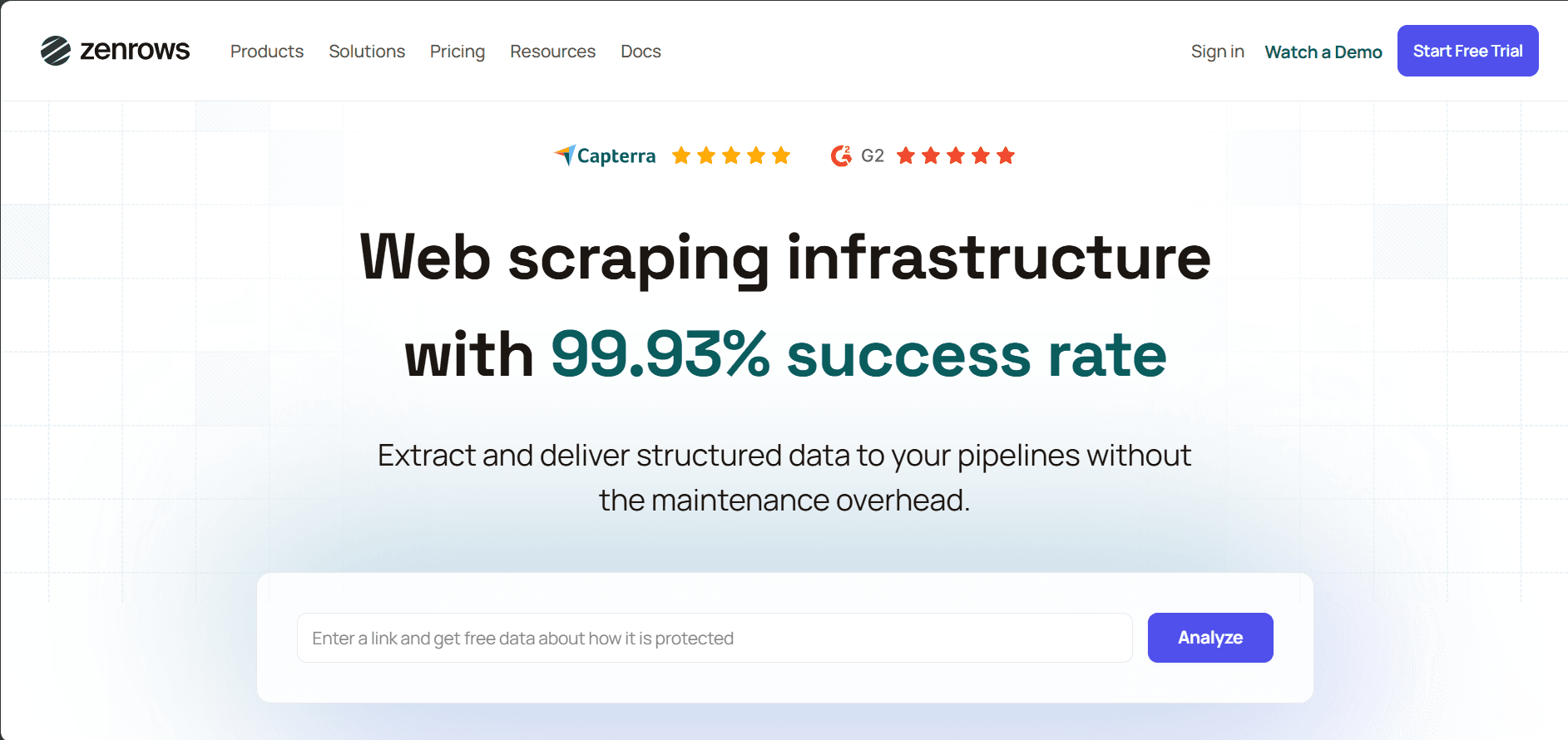
If you need to scrape e-commerce data from protected, JavaScript-heavy sites at scale, Zenrows is the answer. It has a Fetch with a developer-friendly endpoint that handles anti-bot systems, proxy rotation, JavaScript rendering, WAF, and CAPTCHA bypass for you. It also supports CSS selectors, which let you get structured e-commerce product data.
You can then plug that e-commerce data into CRMs, spreadsheets, and AI agents using Zenrows’ no-code and low-code integrations. Connecting Zenrows with automation platforms like Zapier, Make, n8n, Pipedream, Clay, Flowise, and others lets you send cleaned data from Fetch straight into your data pipeline. Zenrows has a G2 score of 5.0 / 5.0, where users highlight reliability, documentation, and ease of use for complex scraping jobs.
👍 Pros
- Fetch covers most e-commerce scraping needs through a single API endpoint.
- It provides an auto-scaled, auto-managed infrastructure.
- The tool handles anti-bots, proxy rotation, and fingerprinting for you.
- It supports JavaScript rendering and scripted interactions for SPAs, infinite scroll, and click-to-load reviews.
- It has a high success rate of more than 99.93%.
- Zenrows scales well for large catalogs and ongoing e-commerce data scraping jobs.
- Zenrows follows a success-based billing on Fetch, so you only pay for successful requests.
- Zenrows is compatible with any programming language.
- You'll receive 24/7 customer support when you run into issues or need help tuning requests.
- It integrates easily with low-code and no-code platforms like Make, Zapier, n8n, Clay, etc.
👎 Cons
- Zenrows depends on third-party workflow tools if you want a fully no-code setup.
Pricing
- It starts at $69/month, with a free trial.
2. Apify
Apify is a low-code scraping solution that features a marketplace for various pre-built web scrapers and automation tools called Actors. Actors are serverless programs you can run from the Apify Console, via API, or through SDKs. You can pick ready-made e-commerce Actors from Apify Store or build your own to scrape product listings, track competitor prices and inventory, or sync product data into your internal tools on a schedule.
👍 Pros
- Apify has a large public library of pre-built Actors for e-commerce sites such as Amazon, Walmart, etc.
- It lets developers package custom e-commerce scrapers and automations as reusable cloud jobs.
- It has built-in scheduling, retries, and resource management for recurring scrapes.
👎 Cons
- It has a steep learning curve if you’re new to custom Actors and Apify concepts like tasks, storage, and scheduling.
- Apify’s scraping costs are hard to estimate due to multi-meter pricing (compute units (CUs), storage, proxies, and Actor costs)
- Apify Actors vary in quality, and some third-party options can lag behind on updates.
Pricing
- It starts at $39/month, with a free tier that includes testing credits.
3. Octoparse
Octoparse is a visual, no-code web scraping tool that lets you build e-commerce scrapers with a point-and-click interface, without coding. It’s aimed at non-technical users who want to collect e-commerce data like prices, product details, and reviews on a schedule. You can use it for recurring price monitoring, tracking competitor listings, or exporting product reviews into spreadsheets.
👍 Pros
- Octoparse has a visual point-and-click workflow, so you don’t need to write code.
- It has pre-built templates for popular e-commerce sites such as Amazon, eBay, Jumia, etc.
- It has built-in pagination and action steps for clicking next or load more automatically.
- It allows you to run recurring e-commerce scrapes without keeping your computer on.
👎 Cons
- It's only available for desktop, with official clients for Windows and macOS, but no native Linux support.
- Advanced setups can be challenging to implement.
- It struggles with JavaScript-heavy sites.
- Its cloud features, higher limits, and API access sit on higher tiers, so costs rise quickly when you scale.
- The free plan has strict limits on tasks and data volume.
- It has limited flexibility for very complex, large-scale scraping tasks.
Pricing
- It starts at $69/month, with a free plan for limited features and volume.
4. ScraperAPI
ScraperAPI is an HTTP web scraping API designed for developers who want to add proxy rotation, CAPTCHA handling, and basic geo-targeting capabilities to their scraper. You send it a product or category URL, and it routes the request through its proxy network, then returns the HTML so you can build your own e-commerce data scraper for price monitoring, product aggregation, or review collection.
👍 Pros
- It offers a single API endpoint that handles proxies, headers, and CAPTCHA for any target URL.
- It has several integration options (direct API, proxy-style integration, and SDKs) so you can plug it into different stacks.
- It has e-commerce focused endpoints such as the Amazon Scraper API endpoint, eBay Scraper API, etc, for scraping data from major marketplaces.
👎 Cons
- ScraperAPI's credit- and parameter-based pricing (premium flags, concurrency, etc.) can make the total cost hard to predict as you scale.
- If you're scraping difficult targets, it can trigger a 10-minute cache window, which may return stale data if you need fresh e-commerce prices or stock on every call.
- Its lower-tier plans are limited to US/EU geotargeting. Granular country selection requires higher plans.
- Its success rate drops to 40–50% on heavily protected sites.
Pricing
- It starts at $49/month, with a 7-day trial.
5. Decodo (Formerly Smartproxy)
Decodo provides proxies and scraping APIs. It features an e-commerce Scraping API built on top of its Web Scraping API. You can use it to fetch product information, prices, stock data, and reviews from online stores in JSON format for tasks like price comparison and market research.
👍 Pros
- Decodo has a dedicated e-commerce Scraping API focused on product listings, prices, stock, and reviews from e-commerce sites (for example, Amazon and Wayfair).
- It has a free trial with a small pool of free scraping requests, so you can test targets before paying.
- Decodo offers 24/7 support.
👎 Cons
- Its usage-based pricing with volume discounts favors high-volume users.
- Its advanced APIs rely on predefined templates for major sites like Amazon, limiting customization.
- Its focus is on proxies and generic scraping, so you still need other tools for full e-commerce scraping pipelines.
- There are no built-in no-code workflows, so non-technical users need tools like n8n or Make.
Pricing
- It offers usage-based API pricing, with the e-commerce Scraping API starting from about $1.25 per 1,000 requests on entry plans.
6. Browse.ai
Browse.ai is a no-code platform where you train "robots" to scrape and monitor e-commerce data by recording actions in your browser. It’s best for non-technical business users who want to track competitor prices, watch product availability, collect market data, or receive alerts when specific products or pages change, without writing code.
👍 Pros
- You set up robots with a point-and-click recorder in your browser, so you can capture e-commerce data without writing code.
- Robots can run on a schedule to monitor e-commerce pages and send alerts when prices, stock status, or listings change.
- It manages browser automation, proxies, and basic anti-bot handling for you.
- It integrates with Google Sheets and other tools so you can send scraped e-commerce data into reports and workflows.
👎 Cons
- Its credit-based pricing means costs rise quickly as you increase volume or monitor many products at short intervals.
- Browse.ai is less suited to very large-scale scraping.
- It's less reliable for large-scale scraping tasks.
- It offers limited flexibility for customizing your scraper.
Pricing
- It starts at $19/month billed annually and $87/month for paid plans. It also offers a free plan with limited monthly credits.
7. Thunderbit
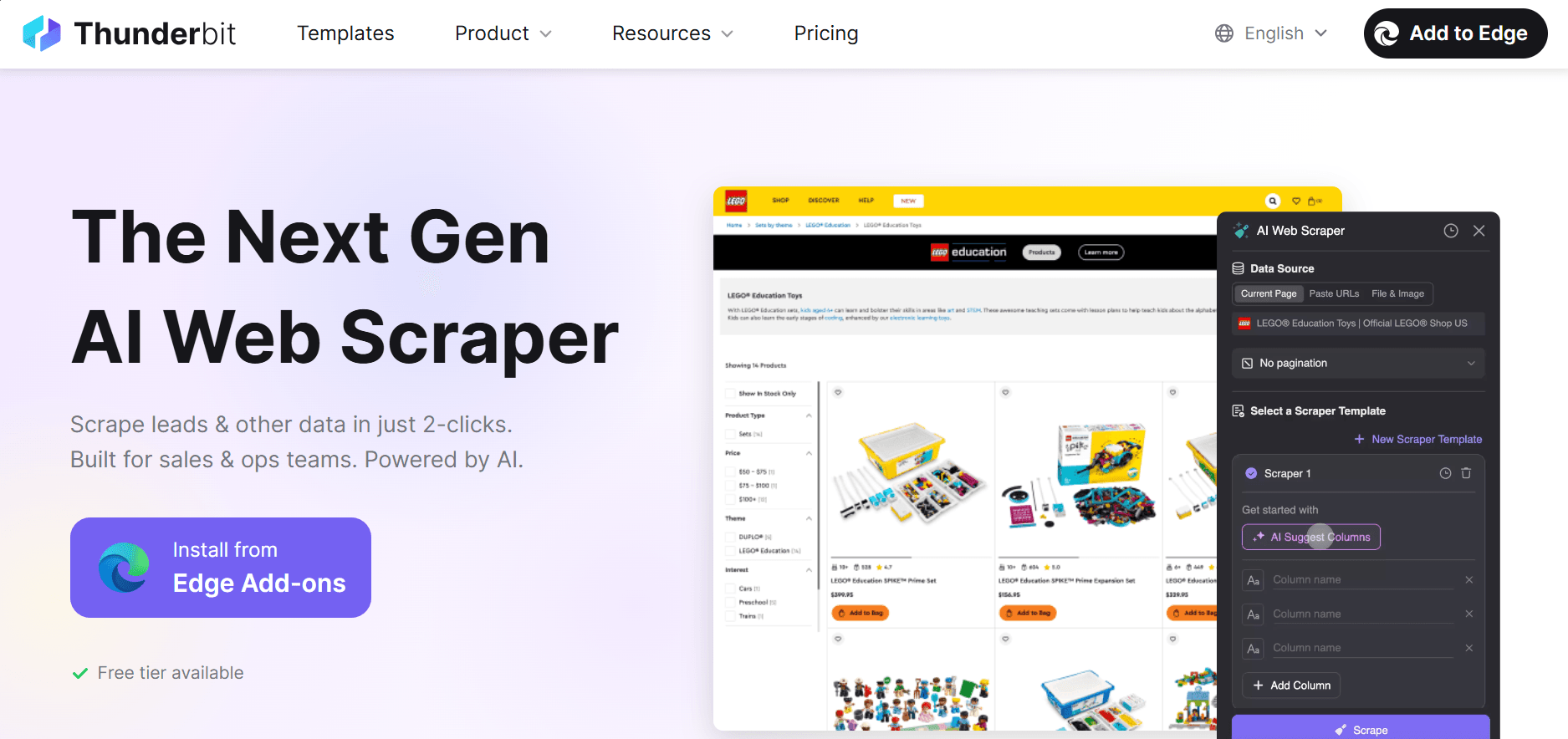
Thunderbit is an AI web scraping Chrome extension that runs inside your browser and uses AI to detect fields and turn pages into tables. It’s well-suited for quick, ad hoc e-commerce data extraction. Simply install the extension, visit a product or search page, and let Thunderbit suggest data schemas available for scraping, including prices, SKUs, product ratings, description, specs, and more, in a couple of clicks.
👍 Pros
- Thunderbit requires minimal setup.
- It features AI data suggestions in a simple interface.
- The tool has pre-built templates for popular sites like Amazon, Zillow, LinkedIn, and Shopify stores.
- You can export data directly to Excel, Google Sheets, Airtable, or Notion.
👎 Cons
- It works only as a browser extension, so it depends on your own browser session rather than running as a standalone scraping API or server.
- It's a newer product with a shorter track record than older scraping tools, so long-term stability is less proven.
- It's not designed for heavy e-commerce scraping at scale.
- It offers limited flexibility to customize your scraper.
- Its credit-based plans can increase costs rapidly, as you need to keep a browser available for long runs.
Pricing
- Thunderbit offers a free plan with limited scraping. Paid plans start at $9/ month, with higher tiers for more pages and features.
Conclusion
Your choice of e-commerce scraper depends on your technical preference, budget, and project scale. Extensions and no-code tools are well-suited for small, occasional e-commerce scraping jobs. Web scraping APIs with managed scraping infrastructure fit better when you need reliable, repeatable e-commerce data scraping at scale.
If you want a scraper that supports large-scale e-commerce data pipelines, Zenrows is built for that. It gives you a robust Fetch with success-based pricing and built-in anti-bot handling.
Try Zenrows for free without a credit card!
FAQ
Is web scraping legal for e-commerce sites?
Yes, scraping publicly available data is generally legal, but you should follow each site's terms, avoid personal data, and respect rate limits. Additionally, ensure you follow best scraping practices.
What types of data can I scrape from e-commerce sites?
You can collect product titles, prices, stock levels, reviews, ratings, images, seller info, and category details.
How can I avoid being blocked when scraping e-commerce sites?
Use rotating proxies, realistic headers, delays, and tools that handle anti-bot systems, JavaScript rendering, and CAPTCHAs. That said, for top-notch reliability, a scraping platform like Zenrows auto-bypasses those protections for you.
What's the difference between scraping APIs and no-code tools?
Scraping APIs give you more control and are easier to plug into code-based pipelines, but they require development work. No-code tools focus on visual setup and are easier for non-technical users, though they’re usually less flexible for complex or very large projects.
Can I scrape Amazon, eBay, and Walmart?
Yes, but they use strict anti-bot measures. Use a scraping tool with proxy rotation, JavaScript rendering, and anti-bot handling. A good example is Zenrows Fetch. It guarantees continuous success that fits your data needs at any scale.
What are the use cases of e-commerce data?
You can use e-commerce data for price monitoring, competitor tracking, catalog enrichment, inventory planning, and market research. It also helps you analyze trends, improve product decisions, and feed analytics or AI models with structured product information.